For livestreamers
Your livestream ends. The questions don’t.
Live chat is good for the live moment. Share a Loop link or QR for the questions and conversations that need somewhere to continue after the stream.
The live moment
The live moment moves fast.
Chat and live tools make a broadcast immediate. Useful questions can still be missed or buried when the conversation is moving. Give the questions you intend to return to their own place, without asking live chat to become a work queue.
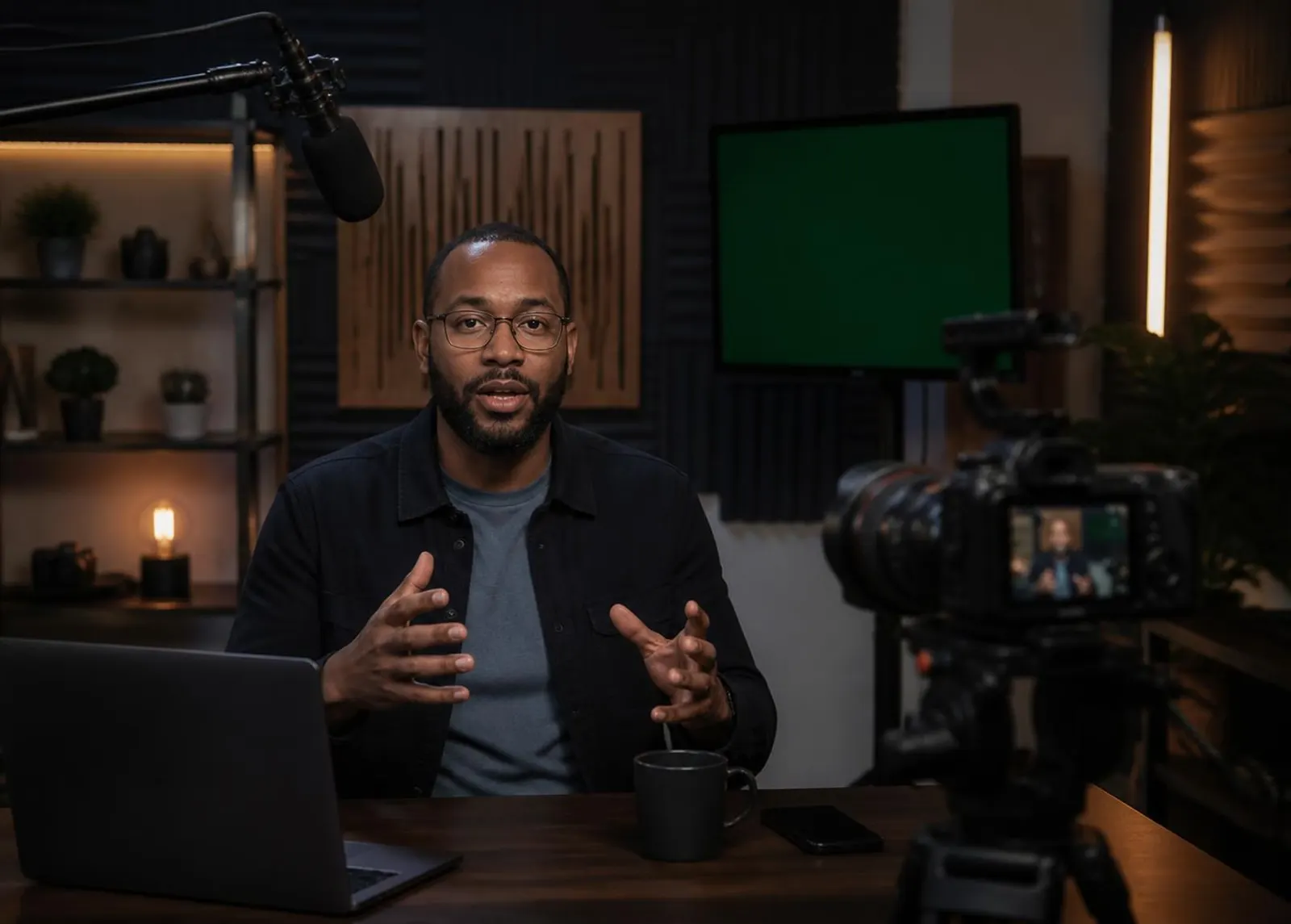
Give viewers a question lane.
Put one Loop link in the stream description or chat, or show its QR on screen. Viewers can ask there without an account where public participation is supported. It is a separate place for questions that need a later answer—not a feed of your platform chat.
After the stream, see what still needs you.
Needs You brings unfinished Loop conversations forward. Answer a question, set a reminder for a resource you promised, continue the follow-up, and keep the outcome connected to the person who asked. They can return when you respond.
During the stream
Use your platform’s chat and live tools for what is happening now.
After the stream
Use Looped24 for questions submitted to your Loop that still need an answer or next step.
Looped24 does not read or import your platform chat or comments.
A simple workflow for the host.
- 01
Create a Loop
Set up a place for questions that should last beyond the stream.
- 02
Share the link or QR
Put it in your description or chat, or show the QR on screen.
- 03
Invite questions
Viewers contribute directly to the Loop, without an account where public participation is supported.
- 04
Work through Needs You
After the stream, reply and use reminders for what needs follow-up. People can return when you respond.
- 05
Keep the outcome
Record what happened and close the Loop when the work is done.
Keep the questions moving.
Give your next live conversation a place to continue.